Video
Videos Spotlight EAP Features and Benefits

Promote the Employee Assistance Program to employees and officials using the below videos. They can be viewed alone or as a series. Each answers a frequently asked question about the Employee Assistance Program.
Members are encouraged to use the videos in a variety of ways. Some suggestions:
- Post to the organization’s intranet
- Email employees with a link to a different video each month
- Share during staff meetings
- Include them in new employee orientation activities

The animated videos available to MCIT members as part of MCIT’s loss control and risk management services can be shared with member employees in two ways. See instructions below.
Option 1: Stream Videos on Intranet Site
You need to capture the embed code for each video to stream them on your intranet site. Work with your intranet manager to place the embed code.
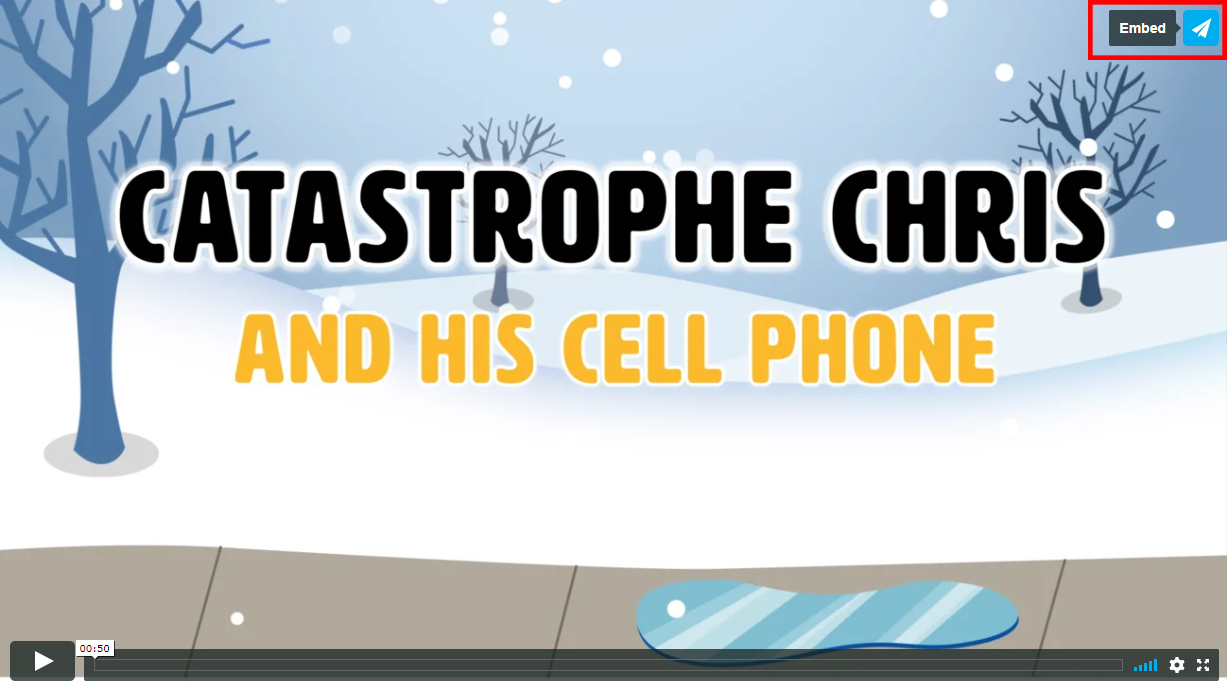
- Locate the video you want to add to your intranet site . Click on the paper airplane icon in the upper right corner of the video (see above).
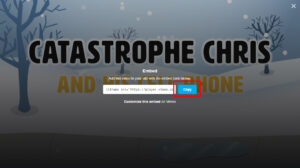
- Click the blue “Copy” box to capture the embed code (see above).
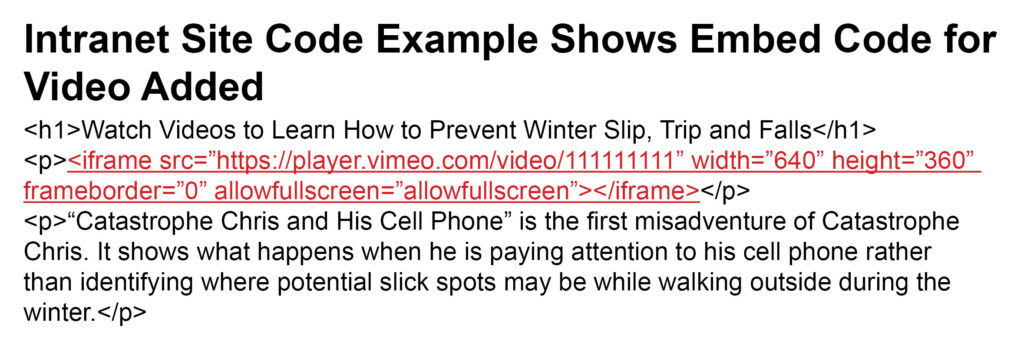
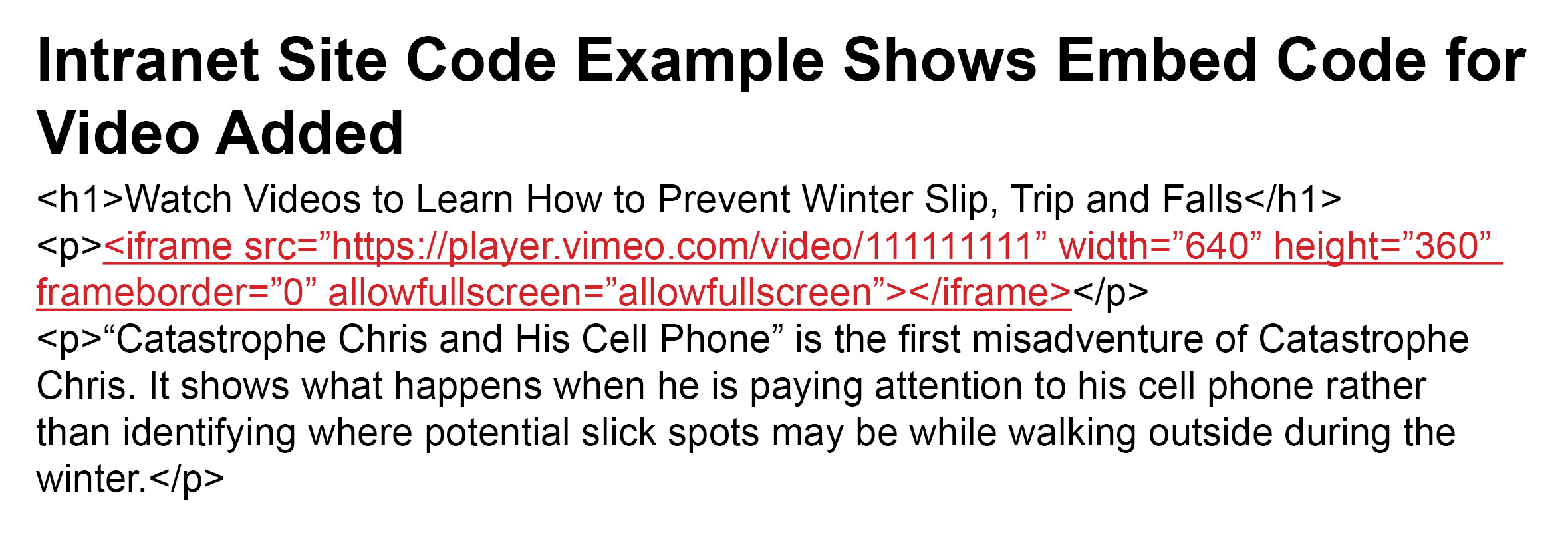
- Paste the embed code into the code of the intranet page where you want the video to appear (see above). The embed code looks something like this: <iframe src=”https://player.vimeo.com/video/111111111” width=”640” height=”360” frameborder=”0” allowfullscreen></iframe>

Option 2: Provide Hyperlink to Video
This allows you to provide a link to the animated videos to employees that takes them to view the animated videos online. You could post the links on the entity’s intranet site or distribute in e-mails, for example.
Suggestion: For the most impact, hyperlink a screen shot image of the video’s title screen to increase the visual appeal.
- Follow steps 1 through 3 above for capturing the embed code.
- Paste the embed code into a text file.
- Delete extraneous text as shown here: <iframe src=”https://player.vimeo.com/video/111111111” width=”640” height=”360” frameborder=”0” allowfullscreen></iframe>
- The remaining text is the URL (link) for the video at the MCIT online player. Use the link to connect employees to the video.
Topics